
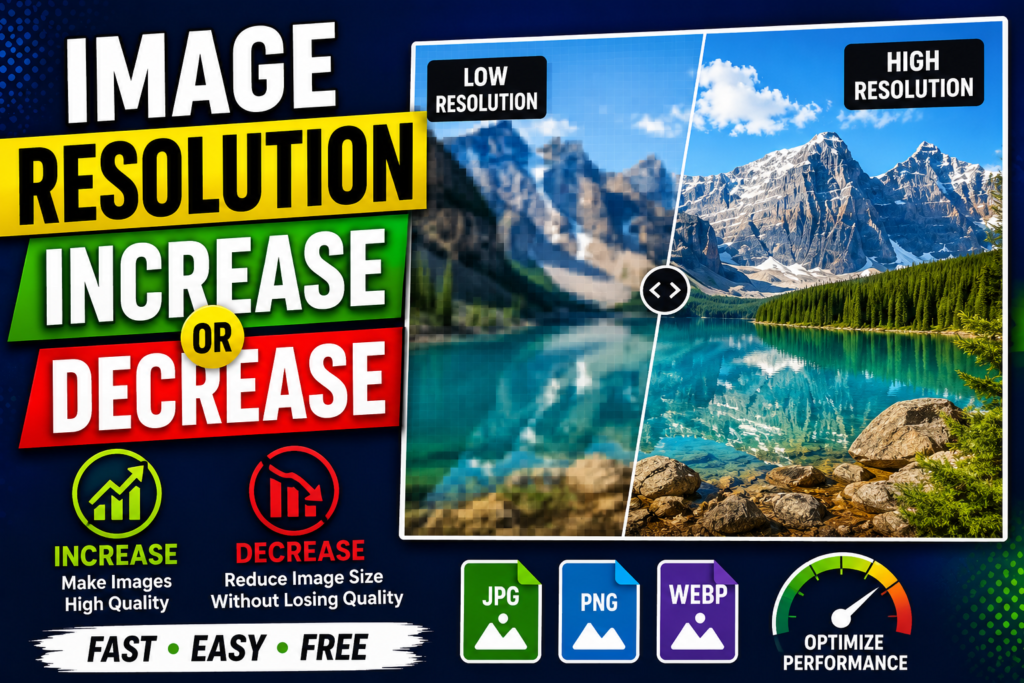
Image Resolution Increase / Decrease Tool
Resize image dimensions (width & height) instantly and preview estimated file size in real time.
Click to browse or drag & drop an image here
Supports PNG, JPG, WebP
Live Preview
Upload an image to see the live resolution and size preview.
How to Use the Image Resolution Resizer Tool
Our Image Resolution Increase / Decrease Tool makes it fast and easy to scale image dimensions, maintain exact aspect ratios, and optimize file sizes directly inside your browser—no software installation required.
Step-by-Step Guide
1. Upload Your Image
- Click anywhere inside the dashed Upload Area or drag and drop your file into the box.
- Supported Formats: PNG, JPG/JPEG, and WebP.
- Once uploaded, the tool displays your image’s original dimensions and baseline file size (in KB or MB).
2. Adjust Image Resolution
You can resize your image in two ways:
- Custom Dimensions: Type your desired pixel values into the Width (px) or Height (px) input fields.
- Aspect Ratio Lock (🔒): By default, the aspect ratio lock is enabled. Changing the width automatically recalculates the height proportionally to prevent stretching. Click the lock icon (🔓) to toggle it off if you need custom stretching or cropping.
- Percentage Presets: Use the quick-scale buttons (25%, 50%, 75%, 150%, or 200%) to immediately shrink or enlarge your image relative to its original size.
3. Inspect Live Preview & File Size
Look at the Live Preview panel on the right side:
- Visual Check: See how your resized image looks instantly in high resolution.
- Target Resolution Badge: Displays the updated pixel dimensions (e.g.,
1920 x 1080 px). - Est. File Size: Calculates the updated file size in real time so you can optimize images for fast web page loading speeds.
4. Download Your Resized File
- Click the green “Download Resized Image” button.
- Your newly resized image will download immediately to your device with
-resizedappended to the original filename.
Quick Reference: Feature Summary
| Feature / Icon | Function | Key Benefit |
| Aspect Ratio Lock (🔒) | Maintains width-to-height ratio | Prevents distorted/stretched photos |
| Percentage Presets | Quick scaling (25% to 200%) | Instant thumbnail creation or HD enlargement |
| Live Preview Panel | Real-time HTML5 rendering | Lets you verify quality before saving |
| File Size Estimator | Displays real-time output weight (KB/MB) | Ideal for web performance and SEO optimization |
💡 Privacy & Security Note: All image resizing and calculations happen 100% locally in your browser using HTML5 Canvas technology. Your photos are never uploaded to any external server or stored anywhere online.