
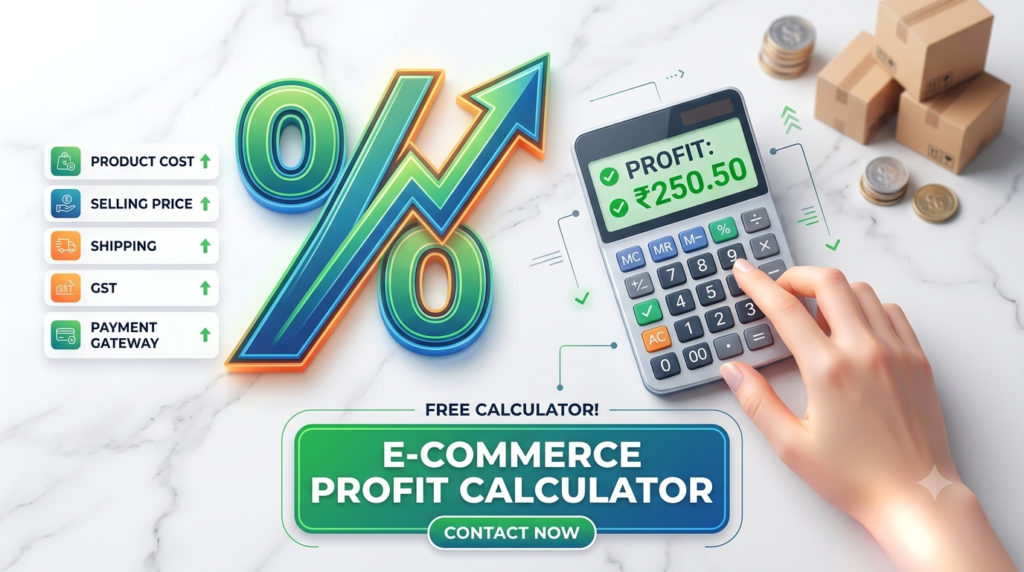
E-commerce Profit Calculator
Calculate your actual net profit after shipping, GST, and gateway charges.
Actual Net Profit
₹0.00
Margin: 0%
GST Amount:
₹0.00
Gateway Charge:
₹0.00
Total Expenses:
₹0.00
📖 How to Use the E-commerce Profit Calculator
Calculating your true margins shouldn't require complex spreadsheets. Follow these simple steps to figure out your actual net profit in seconds:
Step-by-Step Guide
- Enter Product Cost
- Input the exact manufacturing or sourcing cost per unit of your product.
- Set Your Selling Price
- Enter the price you plan to list or sell the product for on your online store or marketplace.
- Add Shipping Cost
- Input the average shipping/delivery fee incurred to send the item to your customer.
- Input the Applicable GST Rate (%)
- Select or enter the tax slab for your product category (e.g., 5%, 12%, 18%, or 28%).
- Enter Payment Gateway Fee (%)
- Add the percentage charged by your payment processor or platform (typically 1.5% to 3% per successful transaction).
📊 Reading Your Results
Once you enter your values, the calculator automatically updates with:
- Actual Net Profit: The final amount left in your pocket per sale after all deductions.
- Profit Margin (%): Your profit relative to the selling price.
- 🟩 Green Box: Indicates a profitable venture.
- 🟥 Red Box: Indicates you are selling at a loss and need to adjust your pricing structure.
- Cost Breakdown: A clear summary showing total expenses, including GST and payment processing fees.
💡 Pro Tip for Online Sellers: If your margin is in the red or under 15%, consider optimizing your shipping costs, negotiating lower product sourcing rates, or adjusting your final retail price to build a healthier profit buffer!